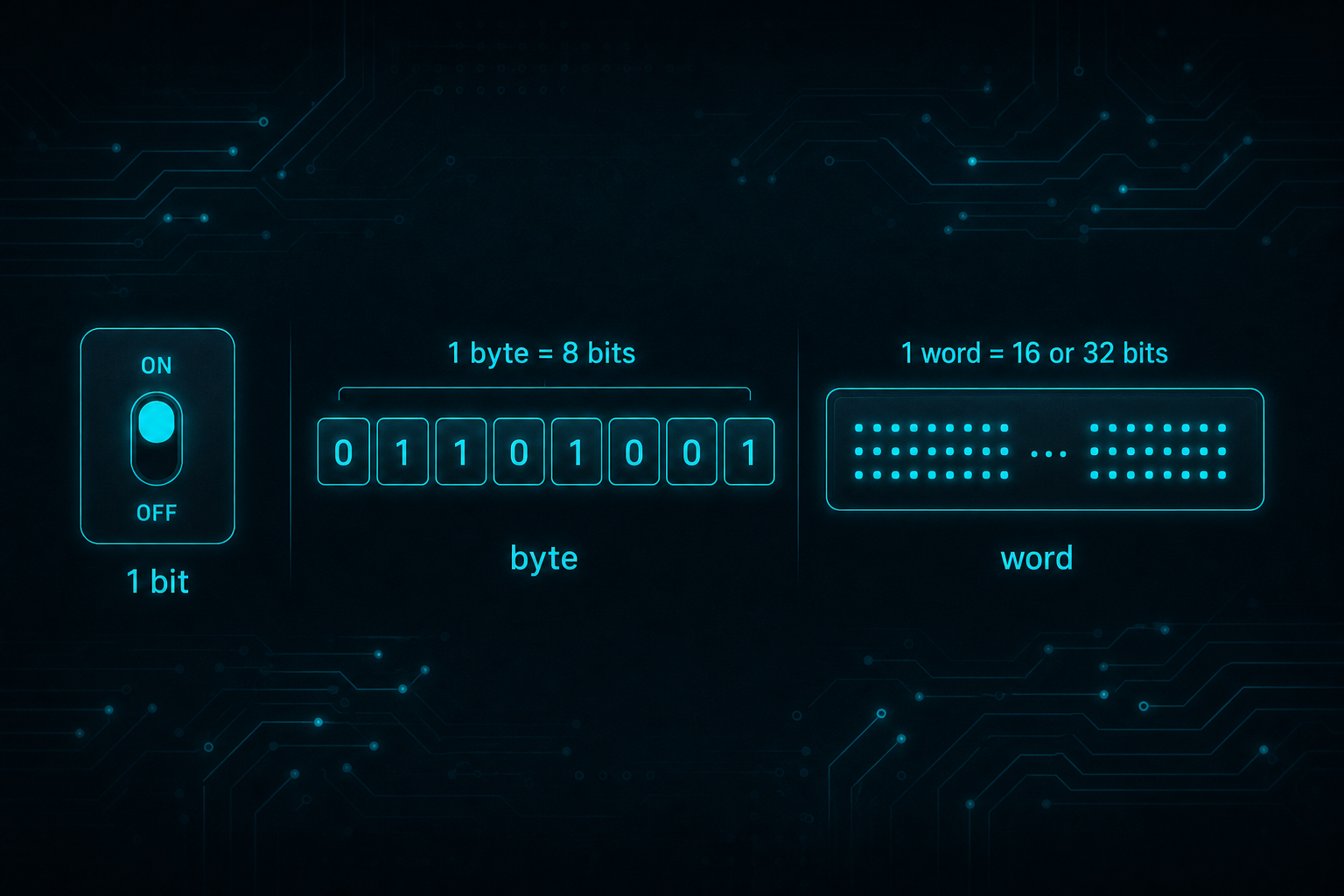
Bits, bytes and 16-bit words
Computers store data using binary digits called bits.
- What is a bit? - A bit is a binary digit, either 0 or 1.
- What is a byte? - A byte is made up of 8-bits
- Why 128, 64, 32, 16…? - We need to use powers of 2 because we are using binary numbers, see more below.
This page shows how groups of bits turn into decimal numbers.
Enter some binary values
The decimal values that each binary digit (bit) represents are ascending powers of two, 20, 21, 22, 23 etc. (from right to left). Play with these binary values to see how they work.
Some examples of bit patterns:-
- 00000001 = 1
- 00000010 = 2
- 00001000 = 8
- 10000000 = 128
- 11111111 = 255
Some Theory
A quick reminder of arithmetic that we learnt at school for multi-digit integer numbers. We probably all just learnt to count first, 0 to 10 and then more. We learnt that as numbers get bigger (longer), they have more digits that are arranged in columns from right to left.
We learnt base 10 addition. We might not have been told that it was called base 10, or that there are other bases, given that we normally use base 10. We learnt that the digits used in each column are 0 to 9, so 10 digits (hence base 10), before we move up to the next column working right to left.
We were taught 2 or 3 columns to start with giving us easy ‘sums’ to learn. 8 columns are shown below allowing reasonably big numbers. Of course we can use more columns for huge numbers, but this illustrates what is needed and 8 columns are used in the binary description too.
The base 10 columns we learnt follow. When we write an actual number we add the digit multiplied by the column value like this:-
Decimal Layout
In binary arithmetic we follow the same pattern but we use base 2 instead of base 10. We can only use digits 0 and 1. This may sound difficult but in reality it is easier in a way. You only count zero to one then move up to the next column working right to left. The values of each column are powers of 2 instead of the powers of 10 above. They are shown below but to summarise, they start at 1 just like base 10 does. Then they double as you move to the left so, 2, 4, 8, 16, 32, 64, 128 and so on. 8 columns are shown here. Because base 2 column values are so small compared with base 10, the 8 columns only equates to quite a small number, 255 maximum like this:-
Binary Layout
How bits and bytes fit together
From single bits to a byte
A bit is a binary digit: 0 or 1. Eight bits make a byte, which can represent 256 distinct patterns (0–255 as an unsigned value). This page lets you flip individual bits and watch the unsigned byte, binary string, and hexadecimal value update — a concrete way to see place value in base 2.
Worked example
Bits 10000001 are decimal 129 and hex 81. Turning on only the lowest bit yields 1; the highest bit in an 8-bit unsigned byte contributes 128.
Common mistakes
- Reading bit order wrong (MSB vs LSB on the left).
- Confusing bits with bytes when sizing downloads.
- Forgetting signed interpretation differs — see Signed & Unsigned.
FAQs
- What about KiB/MB?
- Data Storage converts larger units.
When this page helps
Use it when you want a transparent, browser-side calculation with the assumptions spelled out — then verify anything high-stakes against primary docs, a professional, or your own measurements. The related links below point to sibling tools and longer guides when you need more context.
Accuracy notes
Results depend entirely on the numbers you enter and the simplified model described above. Device clocks, tape measurements, market rates, and recipe conventions can all differ from a perfect textbook case. If an output looks surprising, re-check units first, then re-read the formula section.
Related: Number Bases, Bitwise Operations, Data Storage.
Last updated: July 2026